

The NoLimits 2 Mega Resource Thread - Guides, Tools, Scripts
I've made a really simple Rock Pack long time ago, it's free to use, or rather, I'd be delighted if I see it used in projects, I made it because I felt a rock pack that could target larger rock formations was missing in this community. I've made 5 rocks that differ in scale from 3 meters large to 100 meters large, but don't get me wrong, you can rescale the objects to become tiny rocks if needed.
Hope this helps anyone out with making a cool park!

Hi does anybody has some water themed scenery

check 3d warehouse Sketchup
I'm looking for a download link for Vekoma MK1101 (new Gen sitdown like Lech coaster)

Does someone know how to make 3D model bright during night in NL2 like neon/LED in Sketchup?
write:
emission=entityX;
into the shader tab of your material
where X= the number of the entity you have selected for that material ranging from 0 to 7
I think someone said a long time ago that they had custom premier and Prefab cars? Were those ever posted?
There has been a new update for NL2! 2.5.8.2 It includes a new wave swinger flat ride.
Anyone have suggestions for how to build supports faster? I created an older style Intamin giga coaster and I want to use the same support style as Millennium Force.
^Put on a podcast or some music you like and grind it out. You'll be surprised how fast you can get through it once you get used to building whatever support pattern you're using.
Copy and paste. Rather, define and paste. That could be useful for those type of supports.
I've finished making one of the lift hill supports now but am having issues pasting it and moving it. Also I have two rail connectors and it does not like when I try to copy it with connections to both of them. Any suggestions?
For TheCodeMaster's Modern Intamin LSM trains:
Are they meant to be used with the Mack Launched Coaster, or Rocket Coaster? Also, what is the heartline on them?
I swear there used to be a tutorial.
No, I meant for the Intamin LSM Trains. These:
• Intamin LSM Trains/Kit by TheCodeMaster
They're meant for Mack style so the spacing is correct, right? Similar to how TheCodeMaster's RMC trains are meant for the Rocket coaster type. Also, what is the heartline value? 1.3?

Correct, they use mack spacing. Not sure about the heartline
Hey, I have been wanting to make an intamin blitz coaster, but I can't find a way to get the genuine blitz coaster trains anywhere. I came across the code master's version of them, and in videos they look really good, but when I click the link for the download, I am clueless on how to install them into my ride in no limits 2. I did find a way to put the .rar file into a no limits 2 scenery file somewhere but no luck in actually getting them to pop up in game. Some help would be greatly appreciated.
Do your files contains *.NLSCO files ?
U have to extract your RAR files and copy the directory of the unpacked files in the SAME directory as your park.
Once u started the game and park. when choosing Scenery >> Choose they popup in your game.
Now u can place the coaches near (10 feet away will do) your station.
U don't need to place them on the track.
I really wish someone will make B. A. Schiff Wild Mouse tracks and cars on NoLimits 2. I'm not good making at 3D Models.

I am not sure if everyone is interested in these, but I created B&M lift hill motors. Both invert and standard type. If this is not the correct thread for this, feel free to remove my comment. i do apologize in advanced if this is not the place for this. I will post both links for download off of NoLimits Central and Steam. If it is not too much to ask, I would like to be credited if you use them. I am planning on making other style lift hill motors. RMC Hybrid is one that I have started on recently. :)
NLC: https://nolimitscentral.com/exchange/park/837
Steam: https://steamcommunity.com/sharedfiles/filedetails/?id=1913808871

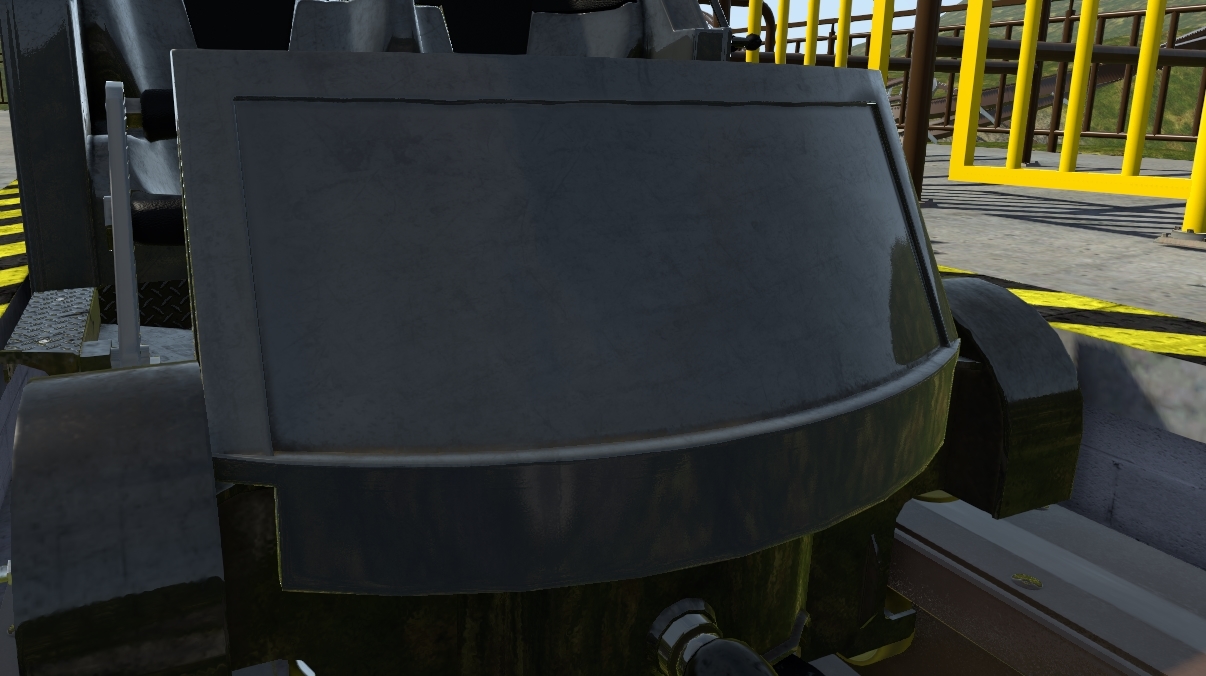
update 2.6.0.1 is availible.

I created a small camera tool pack by modifying some of the default ones to make them more useful:
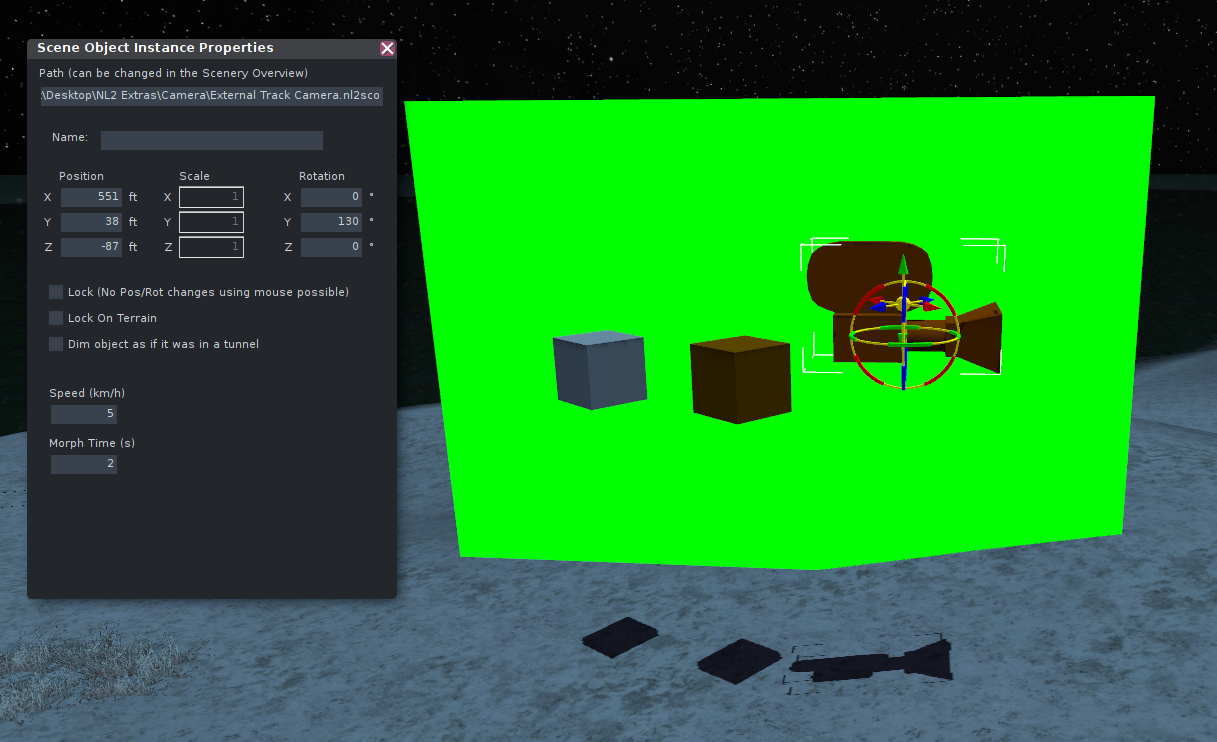
includes:
- a copy of the default camera except that the speed and morph time between targets is editable in the scene object instance panel
- a recolorable greenscreen object not affected by environment or lighting for special effects (like this)
- a copy of the default track camera target object so its all in one place [except the default object name is already Target0!!]
- another copy of the default track camera target object except that it attaches to a coaster train

I have made a guide with some common mistakes I saw on custom objects made for NL2 / used in parks that caused severe lags and what to do instead!
https://steamcommunity.com/sharedfiles/filedetails/?id=1992163488
How can I improve the LOD? In NL2 everything is on max. But I guess I did something wrong on my pc. How can I change the view distance on my pc and what is the best setting?
Thanks!