

The NoLimits 2 Mega Resource Thread - Guides, Tools, Scripts
The Zamperla Twister Coaster type's minimum radius is 2 m

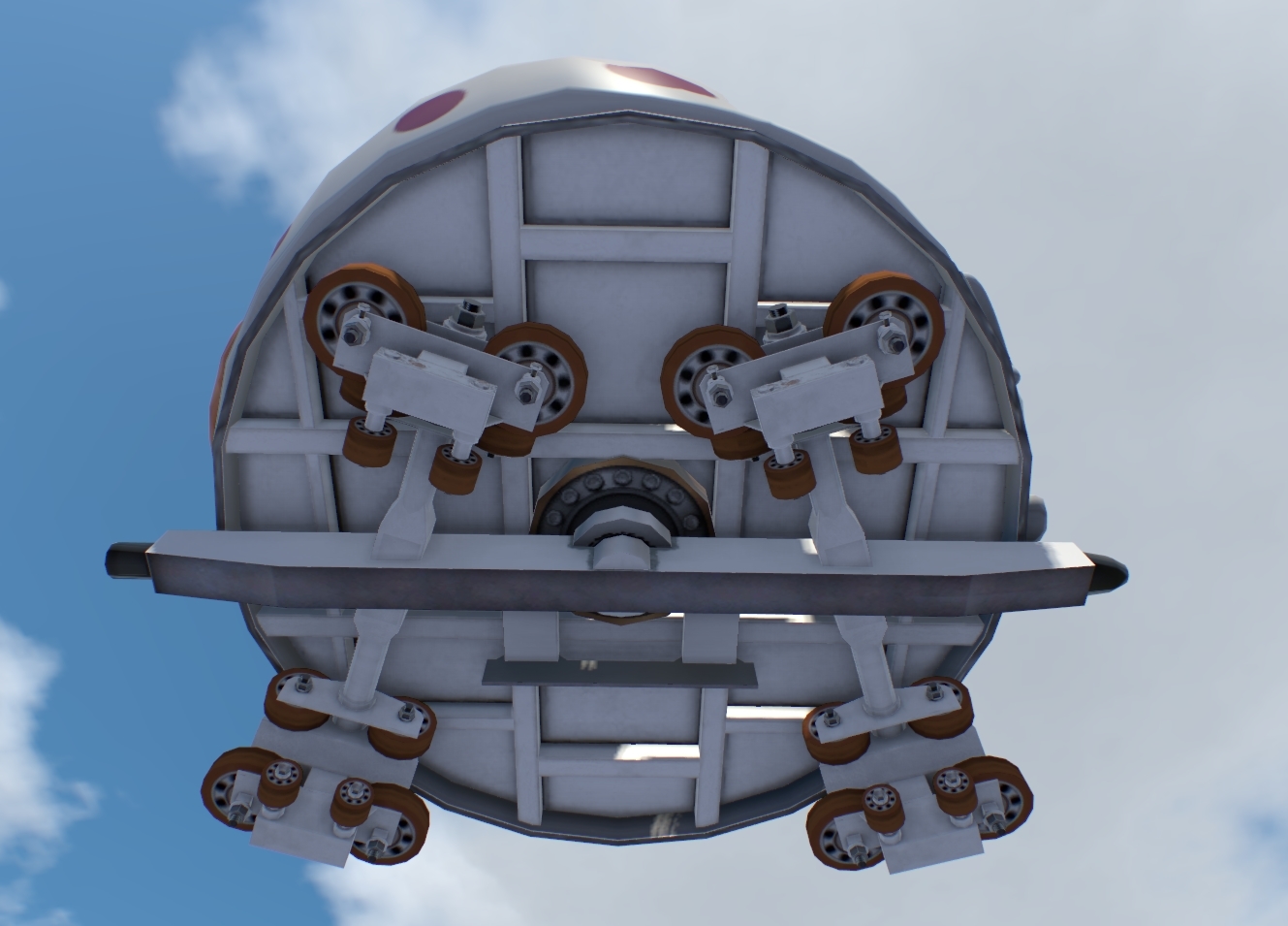
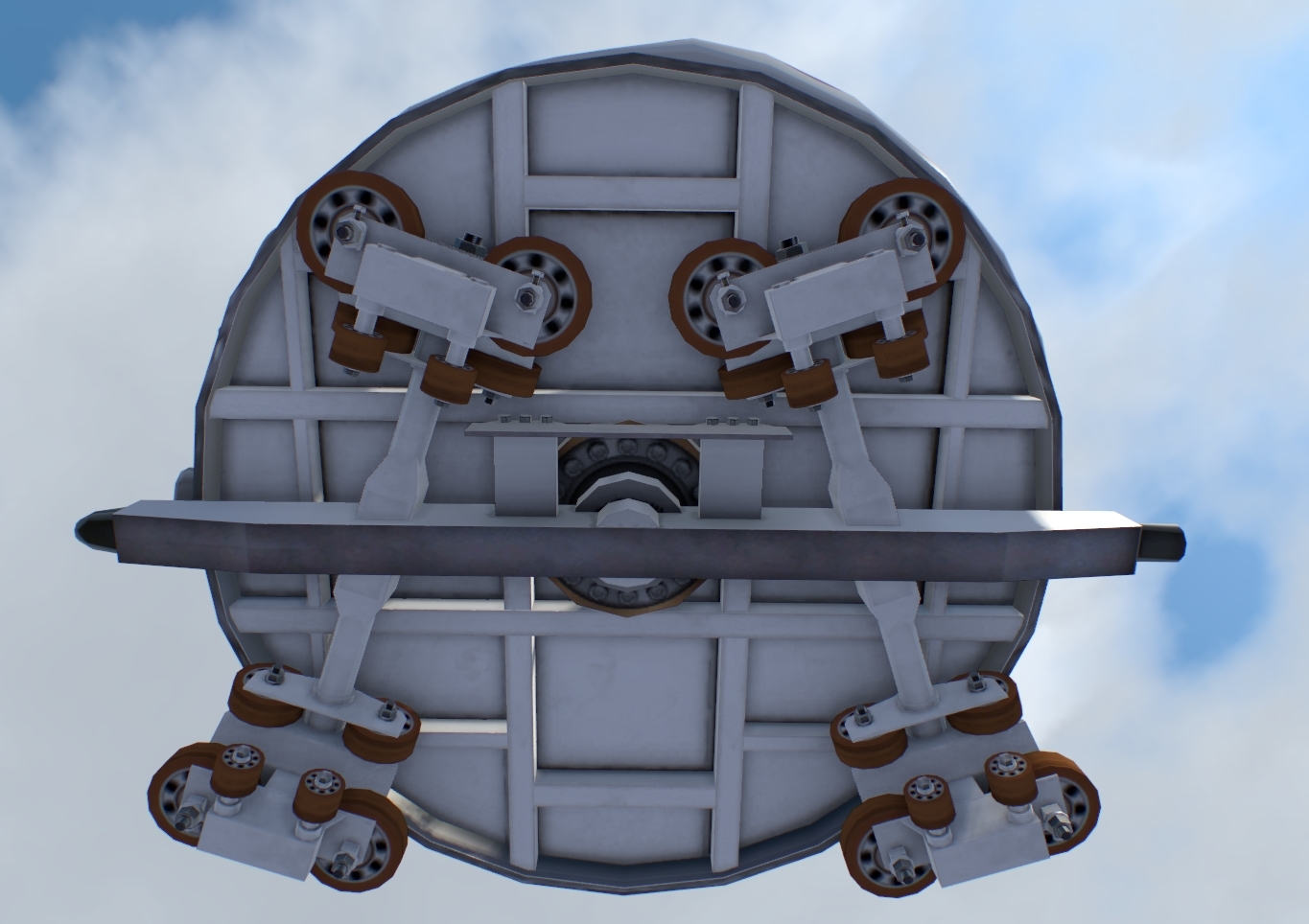
Remember these are ingame and not irl. Here's Zamperla Twister doing 1.5m turn radius and to me it looks all clear.
How did you come up with the 2m?
fintamin posted on February 9th, 2020
Remember these are ingame and not irl. Here's Zamperla Twister doing 1.5m turn radius and to me it looks all clear.
How did you come up with the 2m?
I've got my personal sources. PM me if you want more information.
@fintamin do you also know the friction parameter for the hybrid coasters?
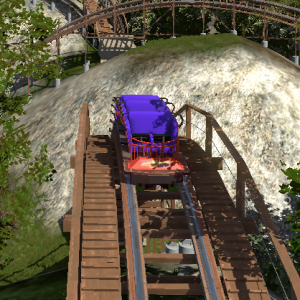
How do you create custom lights? i have a 3d structure that im attempting to turn some fixtures into lights

Conolycoasterdesigns posted on February 26th, 2020
How do you create custom lights? i have a 3d structure that im attempting to turn some fixtures into lights
U have to make some kind of small cube in your 3d model that has a sepperate GROUP, and in your NL2SCO editor u can add a light source to that group.
MrRC posted on February 26th, 2020
U have to make some kind of small cube in your 3d model that has a sepperate GROUP, and in your NL2SCO editor u can add a light source to that group.
What type of cube?
@ Conolycoasterdesigns
Check your PM

I got a problem if I import a NL2 coaster, NL2 freezes and can't do anything. I always have to restart my PC...
is there a downloadable set that i am missing to get the raptor track and trains?
Conolycoasterdesigns posted on March 6th, 2020
is there a downloadable set that i am missing to get the raptor track and trains?
No, there is no download for this track
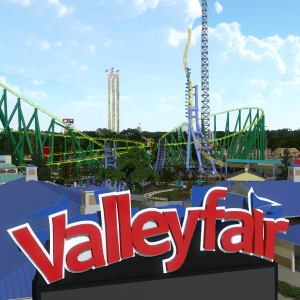
I would like to add a couple things if they are worthy.
https://nolimitscentral.com/exchange/park/984
https://nolimitscentral.com/exchange/park/983
https://nolimitscentral.com/exchange/park/982
https://nolimitscentral.com/exchange/park/981
https://nolimitscentral.com/exchange/park/980
https://nolimitscentral.com/exchange/park/979

Beautiful assets! I've always liked your shops and stalls pack, the rest are also really good looking and will make sprucing up a park quick and easy. Many thanks for your contributions!

Hi there,
is there a customizable 3ds object, where I can simply insert jpg, png etc. ?
RealizeCoaster posted on March 21st, 2020
Hi there,
is there a customizable 3ds object, where I can simply insert jpg, png etc. ?
U can make with Google Sketchup any object u like and give any face of that object the JPG u like.
^ I don‘t have the pro-version of SketchUp and I thought that I‘ve seen somebody done it before. But thanks.
RealizeCoaster posted on March 21st, 2020
^ I don‘t have the pro-version of SketchUp and I thought that I‘ve seen somebody done it before. But thanks.
U can Export to *.DAE instead of *.3ds and that will work to.
The scripted cable lift by Airboss is not available.
Any help would be appreciated. Is there any way to get rid of the white words that appear at the bottom after a button has been pressed? i.e. pause on/ pause off. I have the pro version. Also where do i find the car textures to edit them? I cant find them anywhere. I have the Mac Steam version. Thanks
weally posted on April 4th, 2020
Any help would be appreciated. Is there any way to get rid of the white words that appear at the bottom after a button has been pressed? i.e. pause on/ pause off. I have the pro version.
I have a Pro version to :
Thats not possible to change that time
should my thead be added by any chance?? it is a resource so i figure it might be useful to put it here, but perhaps the whole thing should be finished before that happens
Hello!
I was trying to use the script developed by Bestdani (THANK YOU!) and it works great on Mac. But now the problem is if I want add more than 1 transfer. I don't know why but I cannot setup the second. I tried some ways using "Special track > Switch track fork and merge", doesn't work. Finally in the last version of my design, I used the "Transfer table"... doesn't work and I don't know how fix it. I am attaching some screenshots.
"Switch track fork and merge"


"Transfer table"

Thank you for your help
If u use Block Logic from Bestdani, u have to start with the station and work your way through all the Block parts along the track and specify in the previous block your next block.
MrRC posted on April 29th, 2020
If u use Block Logic from Bestdani, u have to start with the station and work your way through all the Block parts along the track and specify in the previous block your next block.
Thank you for your help, I am working with the last transfer... Now works 2 of 3
Cheers
Now that the RMC update is out, I also updated my data sheets to include the new style(s, they are identical).
Measuring methods are described in previous pages of this thread (I know especially the gauge measurements are wack but it's just how I intepreted it).