

Any quick way of saving time?

U can reposition the cam point in your park.
When u working on a certain spot in the coaster.

@ Leeds:
I don't think so. You can hold shift to speed up the camera movement, and press A or D to jump between main track and storage. But i don't think there's any way to skip straight to the end of your track in progress. I've had the same thing as you in the past, where the track cam has randomly jumped to the end or not started in the station, but no idea how it happened or how to force it to happen.
Wow! I had no idea about using the shift key, so thanks for that. It certainly helps!
No worries.
It works with any other camera view that can be moved forward, back, left, right etc as well. Hold shift to speed up, and control to slow it down.
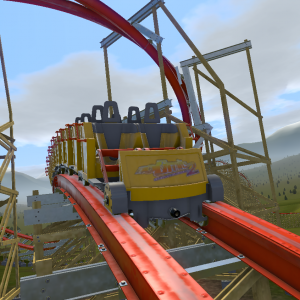
You can also zip around the track using your mouse wheel while holding shift. Also for especially long coasters, you can briefly connect the start and end verticies, tap s in track view, and control z. That should put you right at the end of the track.
I've started to alternate views a lot when editing. In particular, I'm making more use of the "track" view (using the "W" and "S" keys). However, I'm often waiting minutes (many minutes on some of my longer tracks!) to get to the point where I want to "tweak" something, seeing as I always start at the station. Is there any way to jump forward? Once or twice I have come back to a track view from some other view, and it was already positioned half way round the circuit - but I can't for the life of me recall what I'd been doing in the few seconds beforehand to cause that mid-ride pre-positioning! Thanks.