

Hollywood Rip Ride Rockit Recreation

How many new topics do u make for your creation ?
MrRC posted on April 28th, 2020
How many new topics do u make for your creation ?
And from watching the video it's not even an accurate recreation either.
You really should work on your video skills. The off-ride footage is shaky and distracting. Try the "target" method in the simulator. Either your capturing or editing is strange too. Why are there so many watermarks? Are you using the in-simulator video capture method? Try a different editor if that's why you have so many watermarks. YouTube has an editor that's free and simple.
It's hard to tell how accurate the ride is from this video. I can see that you have brake segments that are not straight. And the latter part of the ride isn't supported.

raptoralex posted on April 28th, 2020
You really should work on your video skills. The off-ride footage is shaky and distracting. Try the "target" method in the simulator. Either your capturing or editing is strange too. Why are there so many watermarks? Are you using the in-simulator video capture method? Try a different editor if that's why you have so many watermarks. YouTube has an editor that's free and simple.
It's hard to tell how accurate the ride is from this video. I can see that you have brake segments that are not straight. And the latter part of the ride isn't supported.
Ok four reason why.
- what i did on the recording on a separate views and the controller was hard for me and the target view was hard for me but i try my best.
- i download the trial covert software that comes with a editor which it say on the watermark but unless i buy the full version which i did, it removes the watermarks so yeah.
- ok the brakes well the part before it goes chasm in the ground the turn was hard and i got to even out the x car lights so that the reason why that brake part is turn.
- no i am not using the simulator video capture, i record on the simulator and covert the software and edit there

The track isn't quite right. I saw you have a nice scenery model started. I have the track made exactly to specs based directly on google earth images and 3D profiles so it's about as exact as you can get. I'm busy with my Rock 'n' Roller Coaster recreation but I don't mind sending you my track if you can do it justice.
Coastin' Dave posted on April 29th, 2020
The track isn't quite right. I saw you have a nice scenery model started. I have the track made exactly to specs based directly on google earth images and 3D profiles so it's about as exact as you can get. I'm busy with my Rock 'n' Roller Coaster recreation but I don't mind sending you my track if you can do it justice.
i saw you and project sunset doing it, keep up a great work but i got other video after but did some fixes of it on my youtube channel and maybe u and me work together on this coaster, after u done working n the rock n' roller coaster coasterman channel
Update- on your thoughts, do u like the queue area
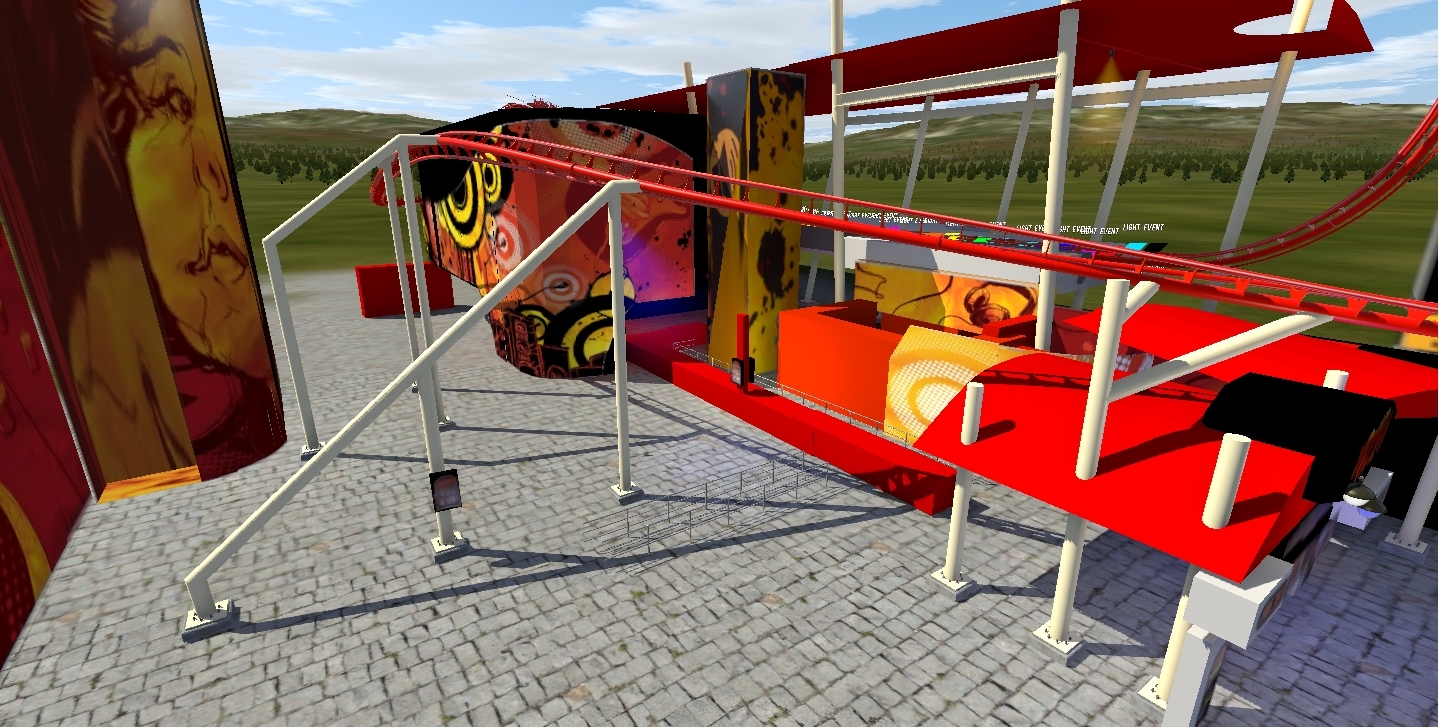
working on the exit, photo, and art queue
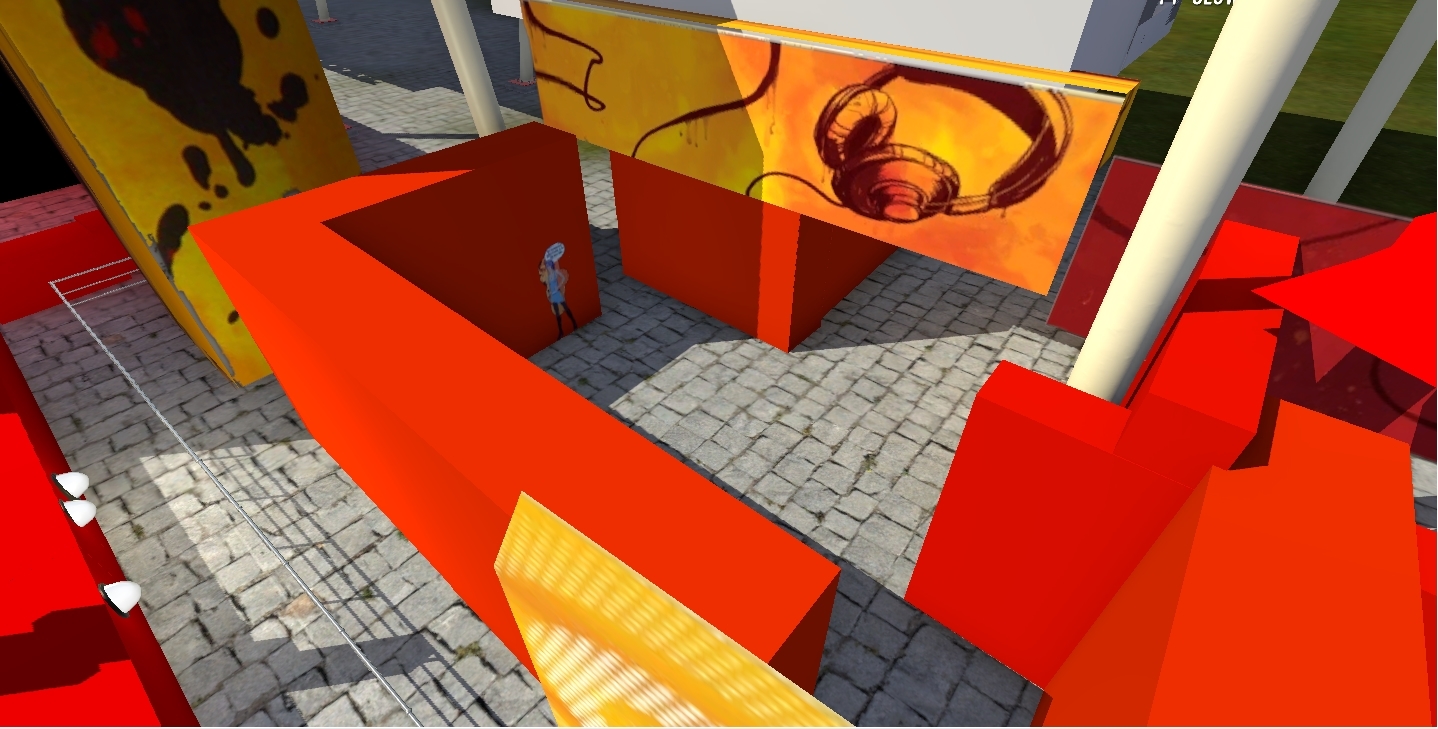
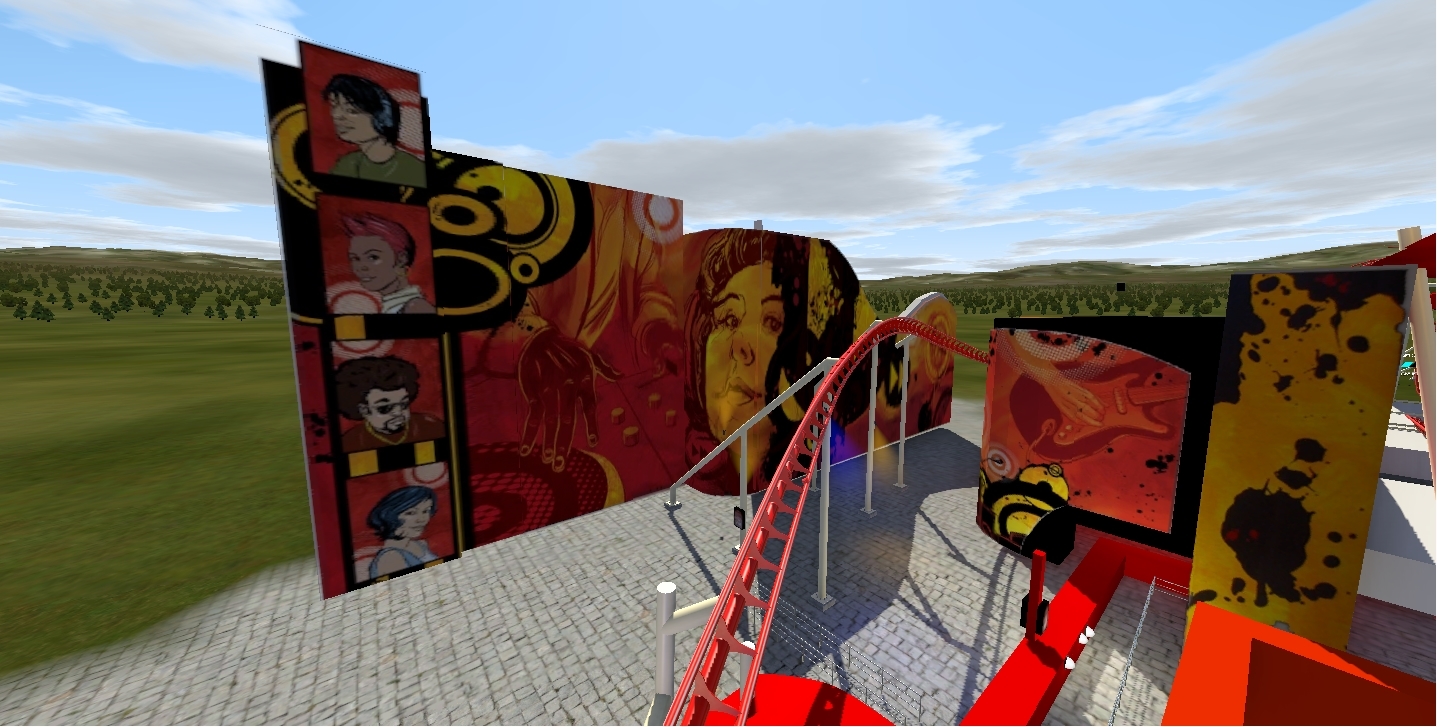
queue wall 1 complete
I think the walls are much thinner, but the textures look great - really brings it to life.
special video and i fix the tracks
Coasterman0108 posted on May 14th, 2020
special video and i fix the tracks
it only barely looks like the real thing, the rings around the lift are god awfully shaped and the track and shaping makes my head hurt...
Still the brake runs are NOT staight. Some banking are INCORRECT (worse then a Japanese manufactur can make)
Tip : use the STRICT option in NODE
ThatFlyerGuy1 posted on May 15th, 2020
it only barely looks like the real thing, the rings around the lift are god awfully shaped and the track and shaping makes my head hurt...
i use the support rails to make the rings
MrRC posted on May 16th, 2020
Still the brake runs are NOT staight. Some banking are INCORRECT (worse then a Japanese manufactur can make)
Tip : use the STRICT option in NODE
which bank turn and i use the strict nodes on the brake runs
Try the "Make Straight" button on your brake runs. It's under the "Track" tab. Highlight all the nodes in a line along the brake run and press it. That should fix it. Strict notes won't do it for that. Strict is best used with banking, mostly where you want track to be flat.
Coasterman0108 posted on May 16th, 2020
which bank turn and i use the strict nodes on the brake runs
Brake run 1st after the NON inverted loop is not straight
The Banking @ 1:27, while going up and @ 2:04 and after the last brake run when u return back to the station there is an extremly ejectorseat airtime
Brake run after u passing over the station is not straight
MrRC posted on May 16th, 2020
Brake run 1st after the NON inverted loop is not straight
The Banking @ 1:27, while going up and @ 2:04 and after the last brake run when u return back to the station there is an extremly ejectorseat airtime
Brake run after u passing over the station is not straight
ok thanks for letting me know
special video for my channel reaching 1k views
Nice video, but do u have a FULL onride ?
MrRC posted on May 19th, 2020
Nice video, but do u have a FULL onride ?
yes but is not posted on youtube
OK any plans to ? U can make it hidden and send me the link in my PM box(not visable by Youtube users)
MrRC posted on May 19th, 2020
OK any plans to ? U can make it hidden and send me the link in my PM box(not visable by Youtube users)
what do u mean
Check your PM inbox.
song vote- Hollywood Rip Ride Rockit Song Vote